How Secret Santa Hat works

Every screen below is the real app. Scroll down for each part, then swipe or use the arrows to step through it.

Part 1 of 4

Create Your Group

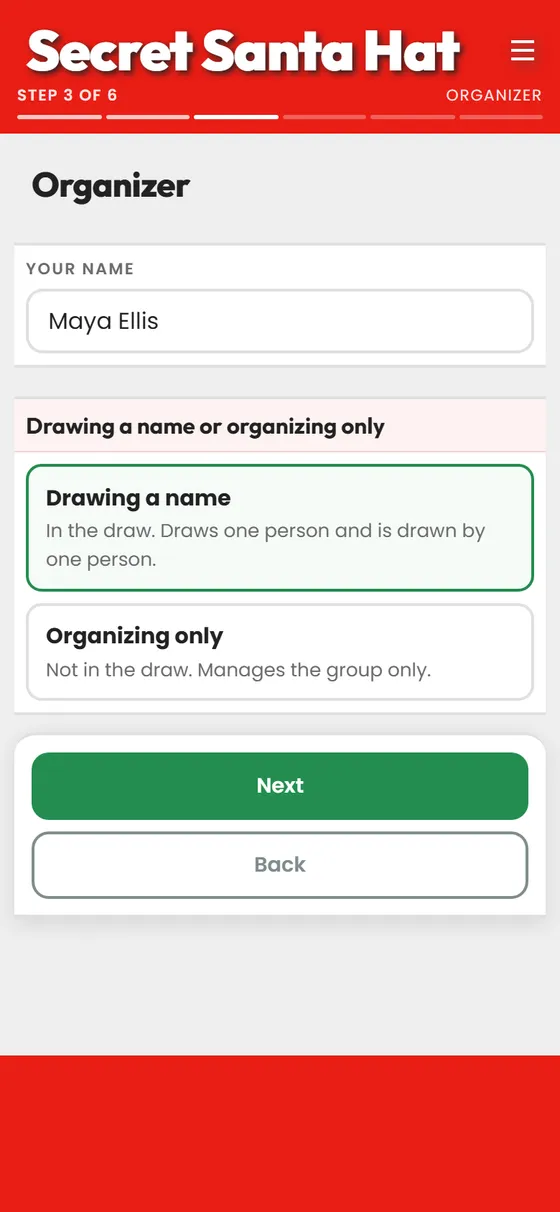
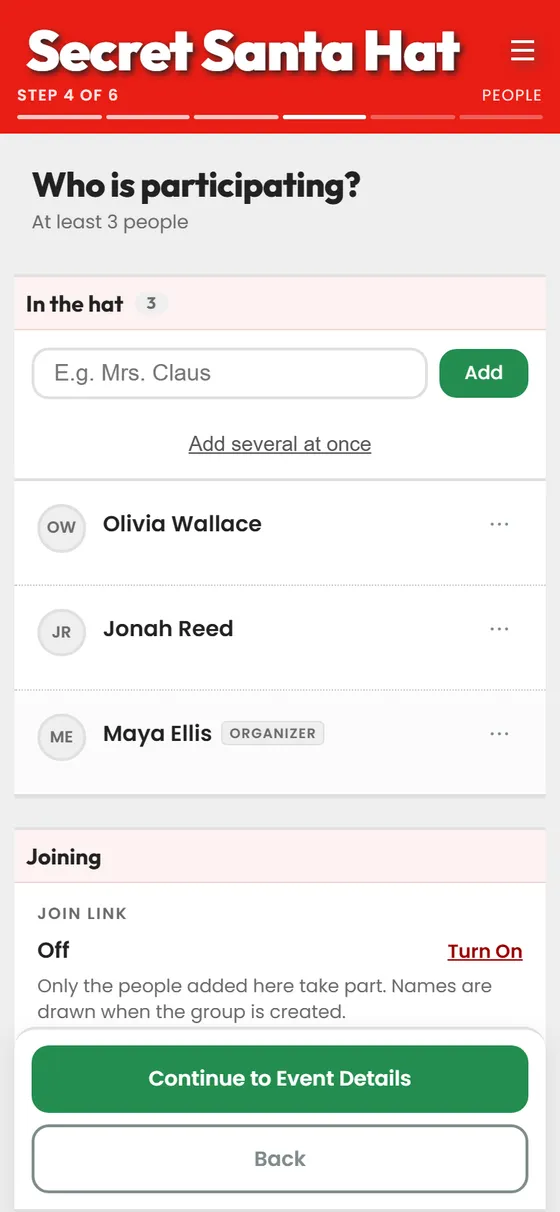
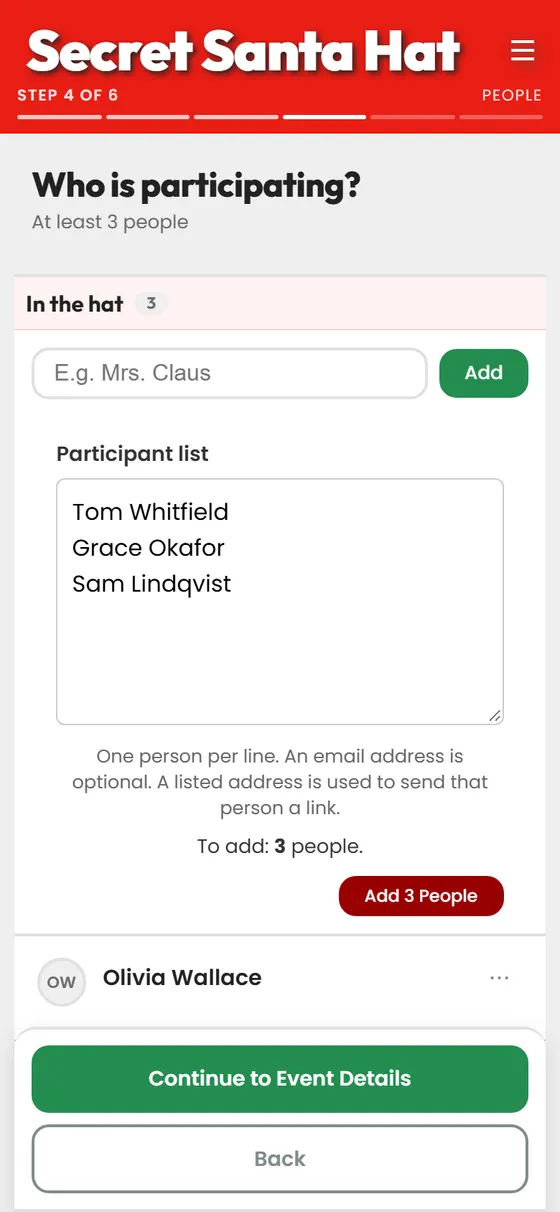
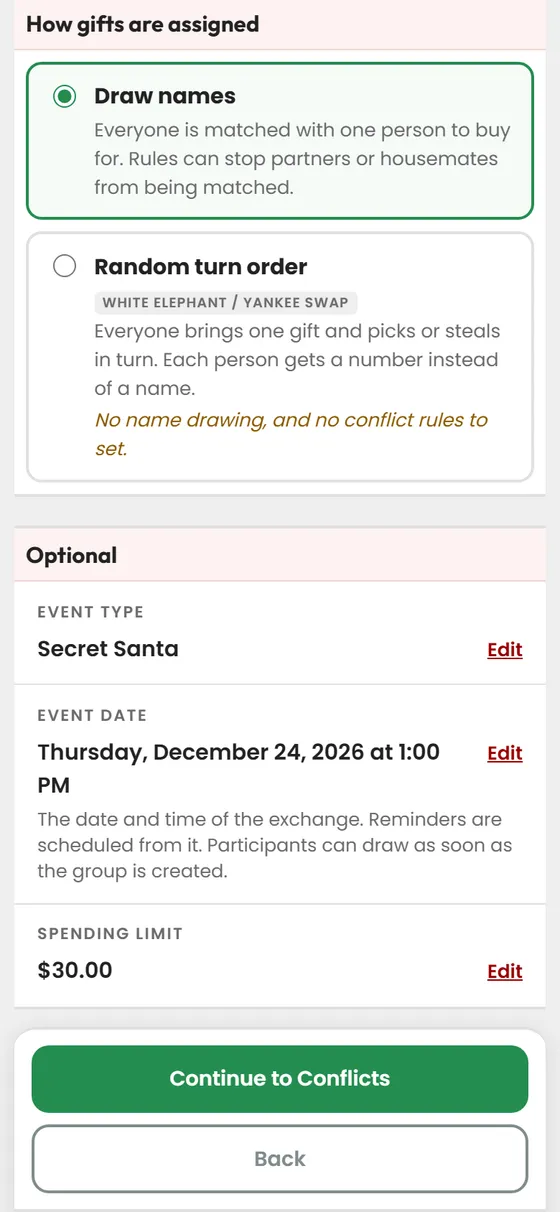
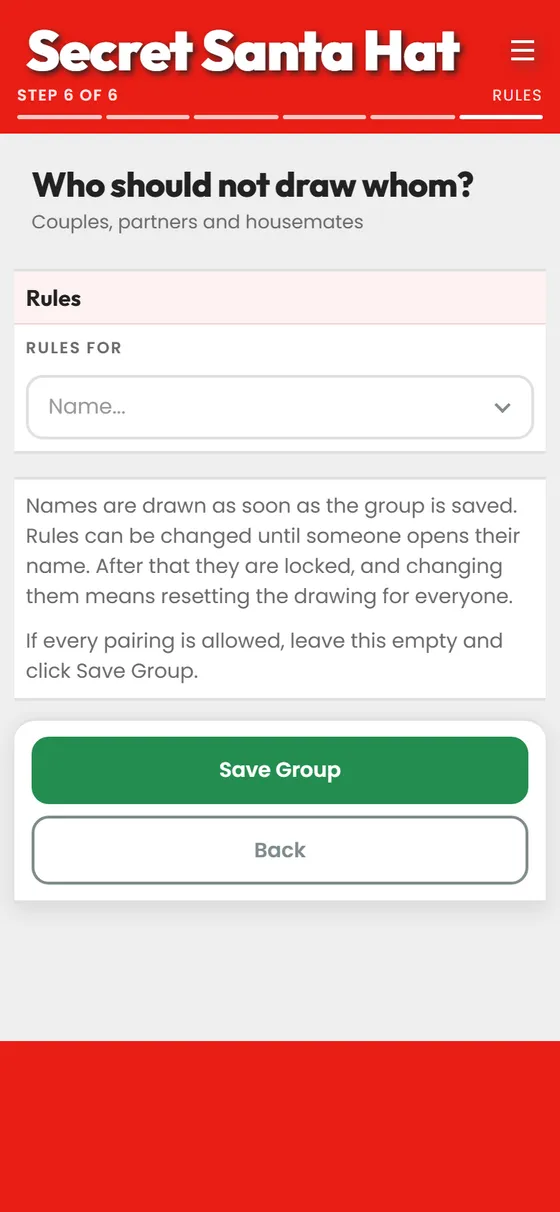
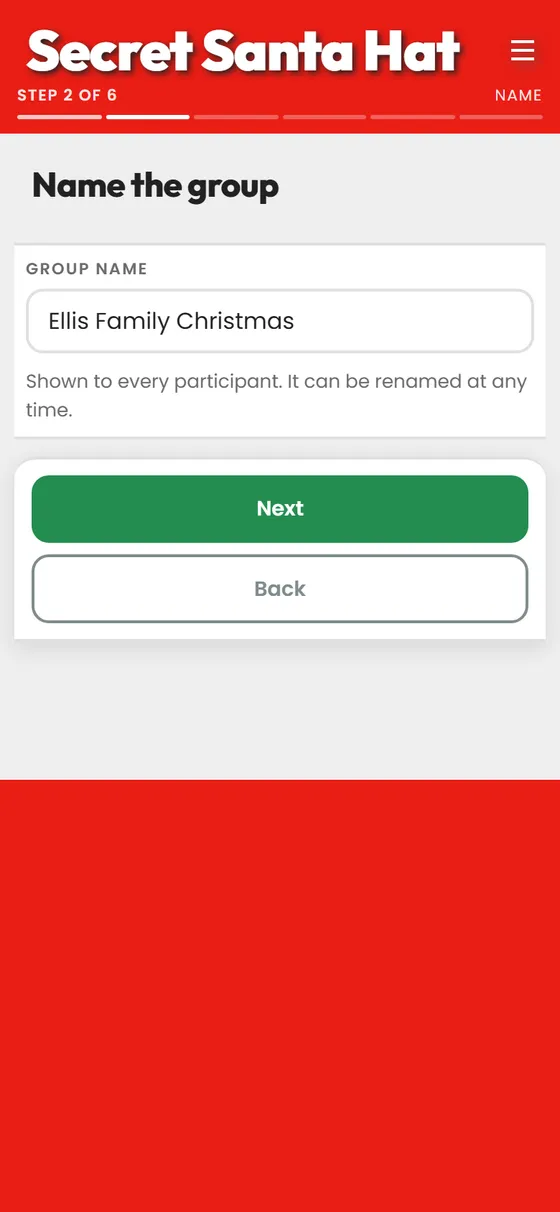
Six short steps. Nothing is saved until you finish the last one, so you can back out at any point.

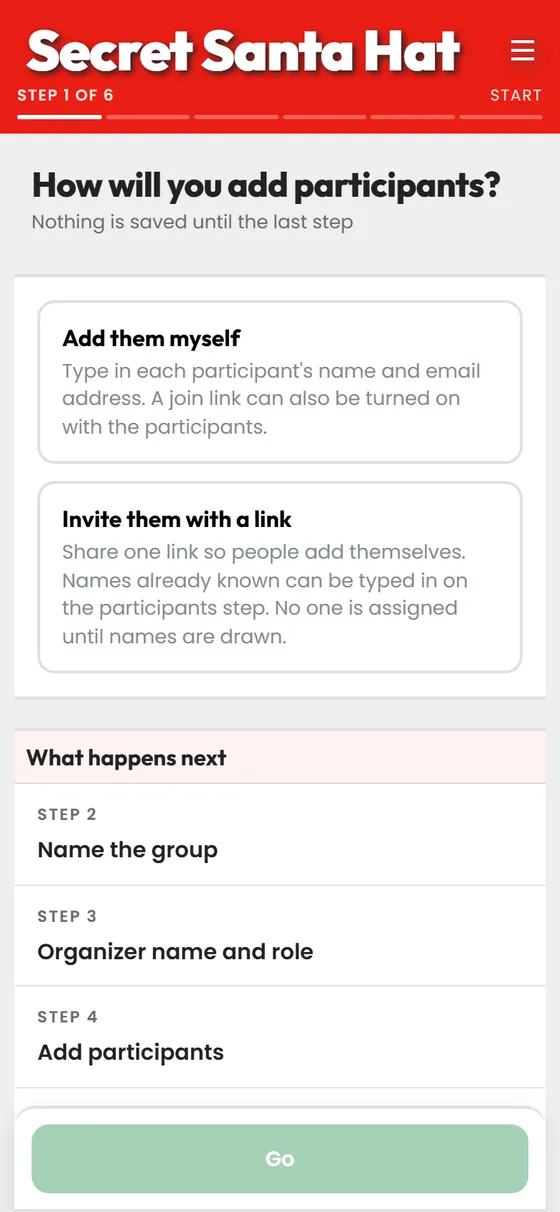
The first step choosing between typing the names yourself and inviting people with a link

Step 1

Choose how people join

Type the names yourself, or share one link and let people add themselves. The six steps are listed below it, and nothing is saved until the last one.

Part 2 of 4

Manage Your Group

One page holds the whole exchange: who is reachable, who has drawn, and what has happened so far. It is also where a premium group chooses its theme, which changes the colors and what names are drawn from for everyone in the group.

Step 1

See where everyone is

One row per person, saying whether they can be reached, whether they have drawn, and whether they have started a wishlist.

Part 3 of 4

Draw Names

Everyone draws from their own device, in their own time. No one has to be in the same room.

Step 1

Open your own link

The link opens with your name on it. It is personal, so no one else can see or take your draw.

Part 4 of 4

Wishlists

A list of gift ideas, visible only to the person who drew you.
Step 1

Start your list

An empty list gives your Santa nothing to choose from. Two or three ideas are enough.

End of the walkthrough

No account needed, and nothing is saved until you finish the last step.